NOLGIA for Blender
Let your agent work in Blender.
The free NOLGIA plugin for Blender connects the scene you have open to NOLGIA, so your AI agent can read it, run Python, render previews into your Library and bring in your NOLGIA assets. Your project files stay on your computer.
Version 0.1.1 · nolgia-blender-0.1.1.zip · Free · Blender 4.2 or later
What you need
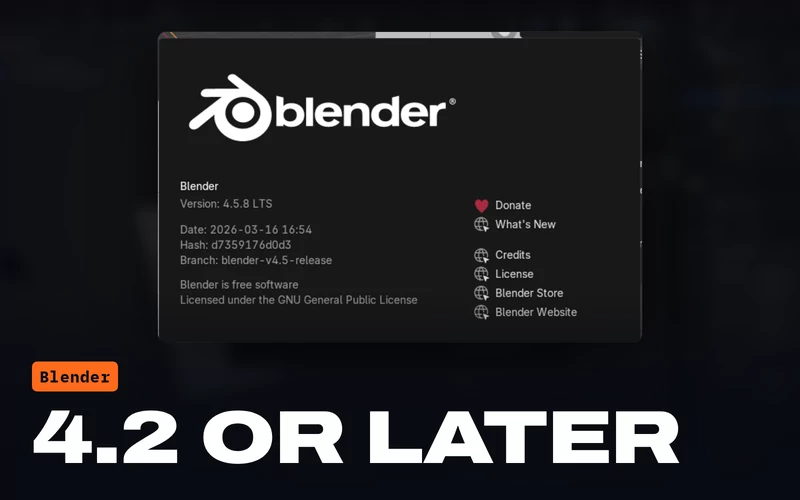 Blender 4.2 or laterOn Windows, macOS or Linux. The plugin is a Blender extension, which needs 4.2 or later.
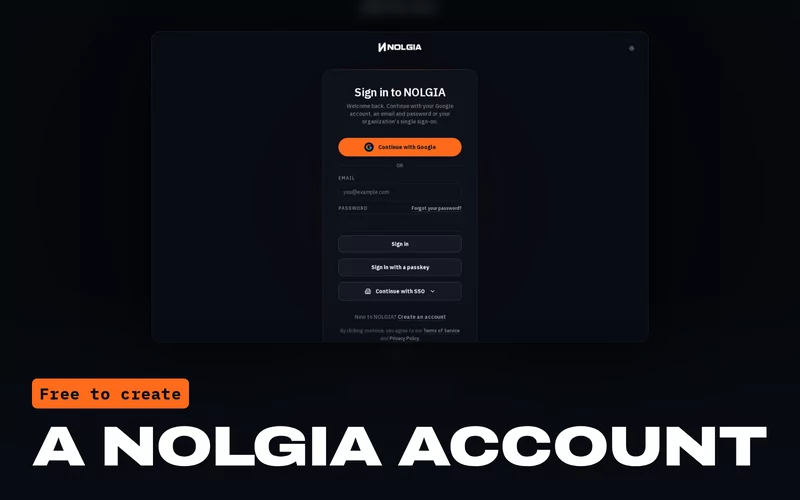 A NOLGIA accountFree to create. The plugin signs in with it.
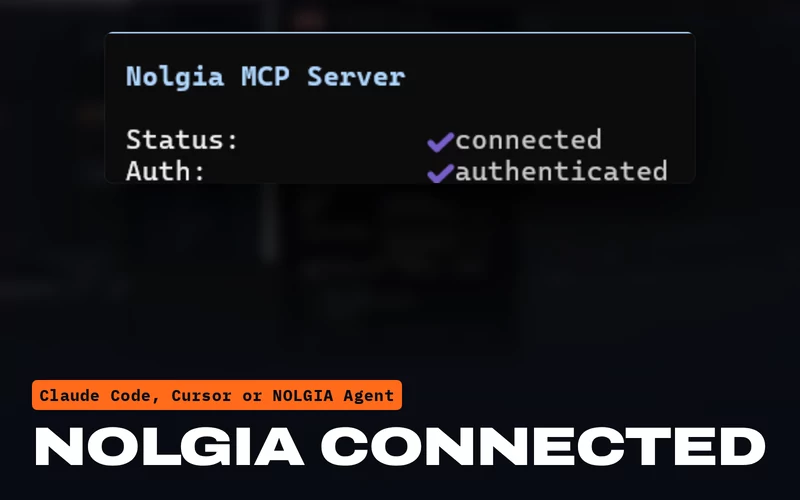 An agent with NOLGIA connectedClaude Code, Claude Desktop, Cursor or another MCP client, or NOLGIA Agent.
What your agent can do
Real hands in your scene.
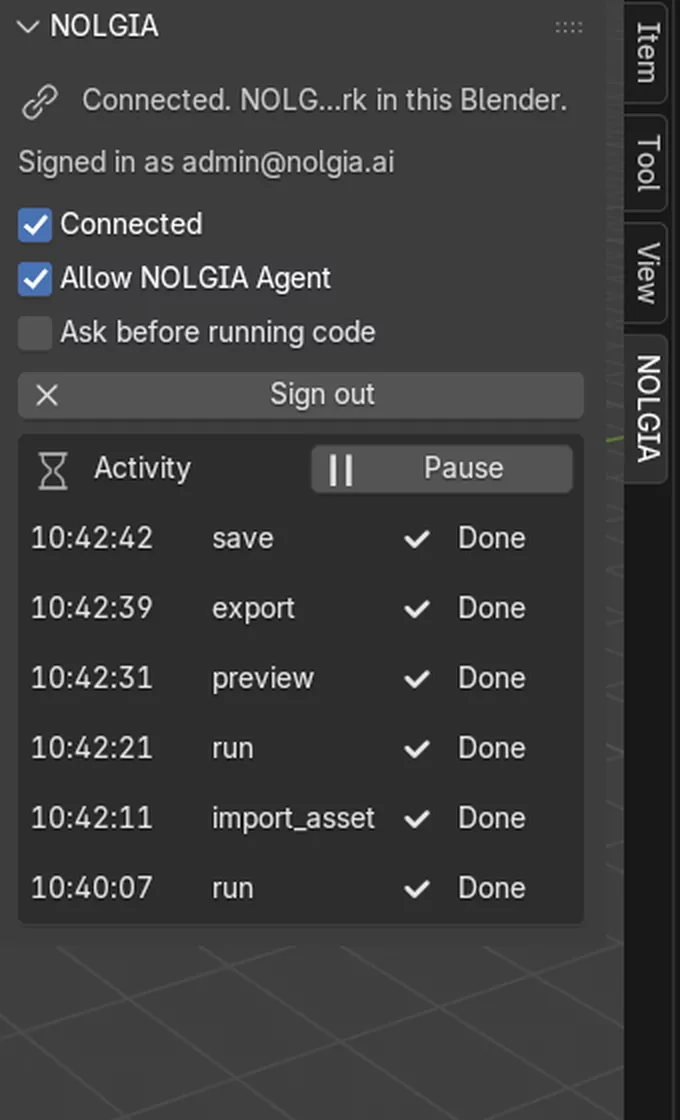
Your agent works through NOLGIA's app tools, and every command shows in the plugin's Activity list.
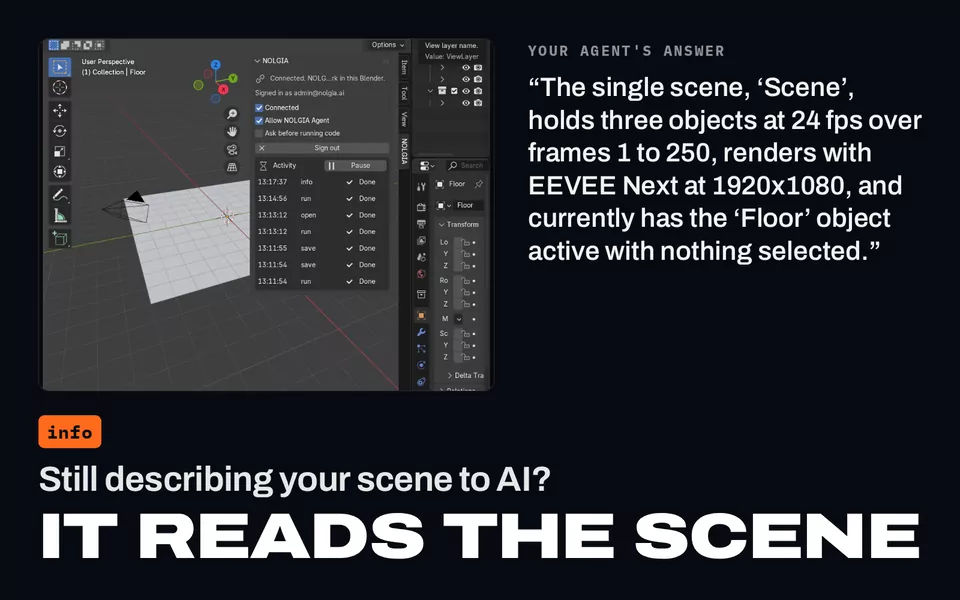
Read the scene
The open file, the scene, frame range, frame rate, render engine and size, collections, the selection and the cameras.
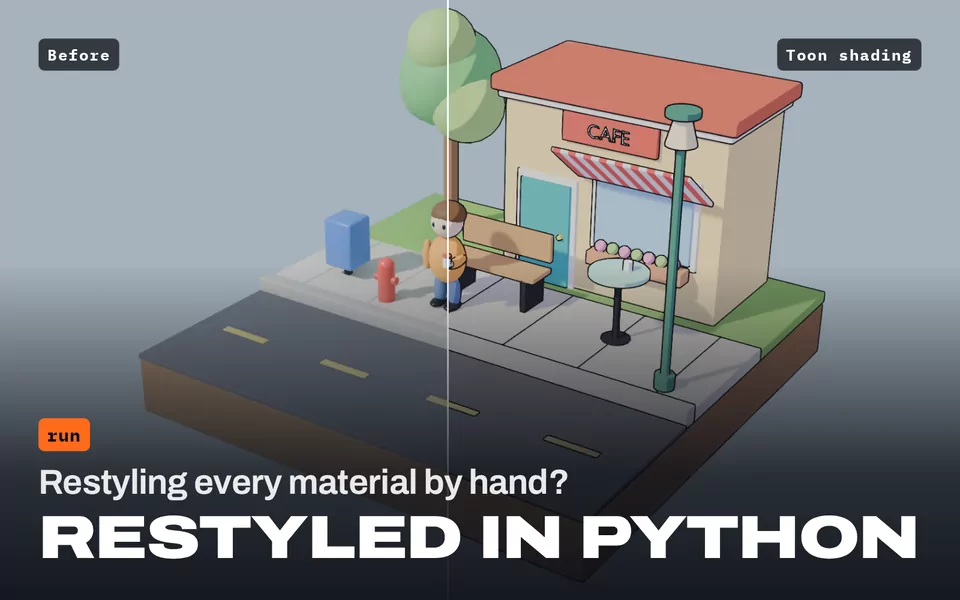
Run Python
Change the scene step by step with Blender's own Python, and get back what each step did. Ask before running code shows you each piece first.
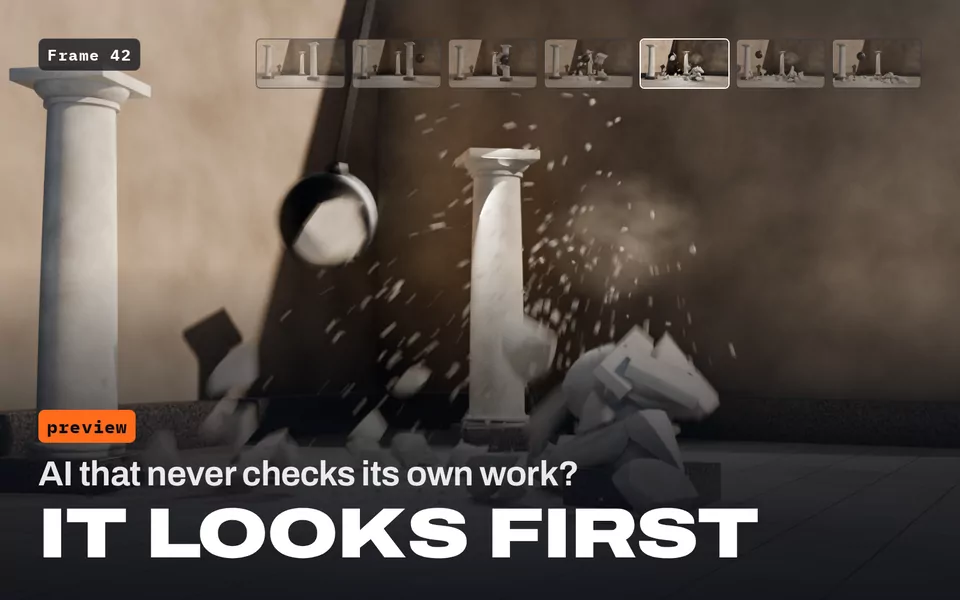
Render previews into your Library
A still from any camera and frame, in EEVEE, Workbench or Cycles, so your agent can look at its own work.
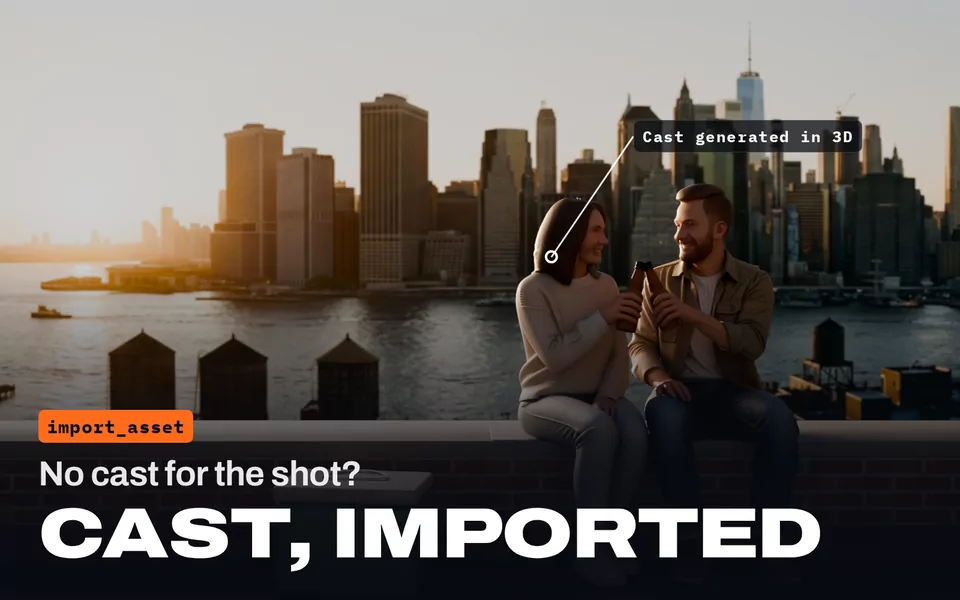
Import your NOLGIA assets
3D models from 3D generation as objects, images as planes or textures, videos as movie clips and audio as sound.
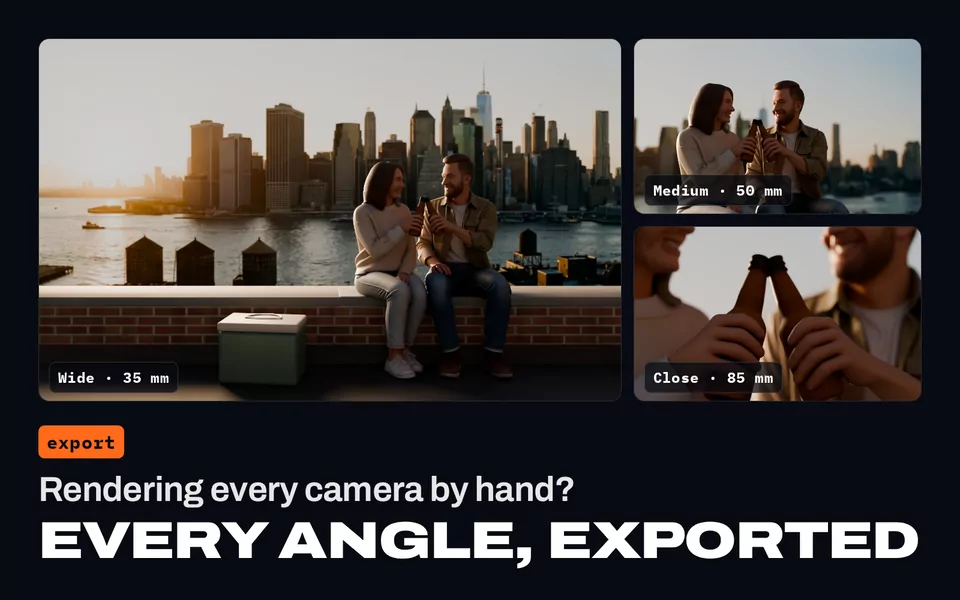
Export to your Library
PNG stills, MP4 video and GLB models, rendered with your scene's settings and uploaded to your NOLGIA Library.
Save your work
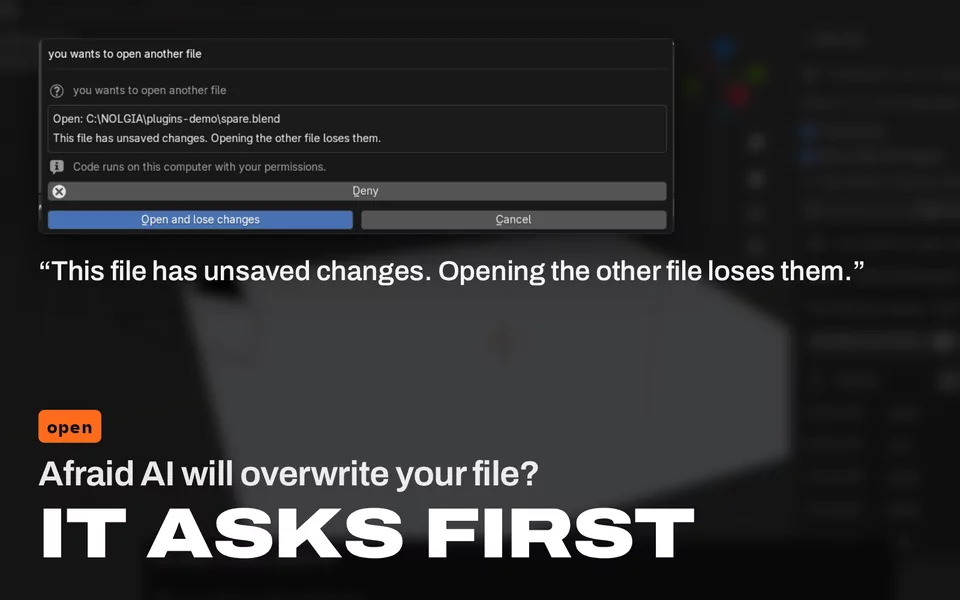
Save the open file, or open another one. Blender asks you first when there are unsaved changes.
Your project files stay on your computer. Blender files are never uploaded to NOLGIA; only the previews and exports you ask for go to your Library.
Install
Five steps, a few minutes.
The plugin remembers your sign in, and reconnects when you open Blender if you left Connected on.
Download the plugin
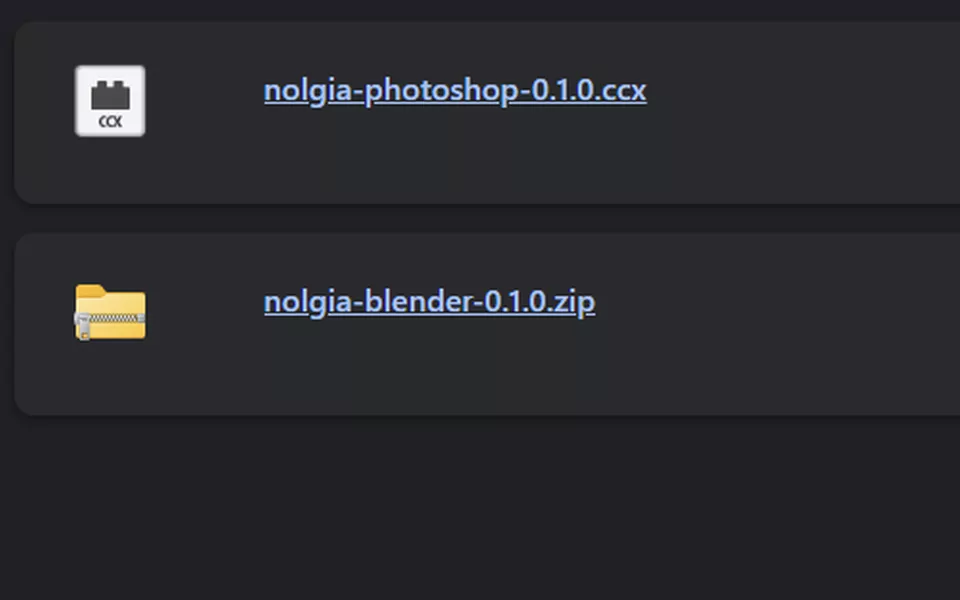
Download nolgia-blender-0.1.1.zip. Keep it as a zip; there is nothing to unpack. Safari unpacks zips by itself: if your Downloads folder has a nolgia-blender-0 folder instead, Control-click it, choose Compress and install the zip that makes.
Install it in Blender
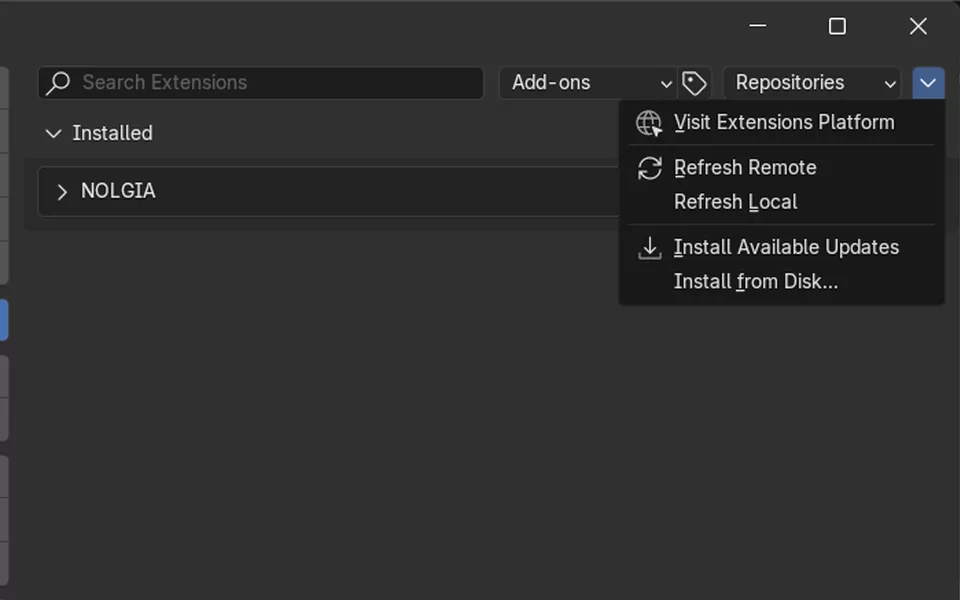
Open Edit > Preferences > Get Extensions, click the small arrow at the top right and choose Install from Disk, then pick the zip. Dragging the zip into Blender works too.
Open the NOLGIA tab
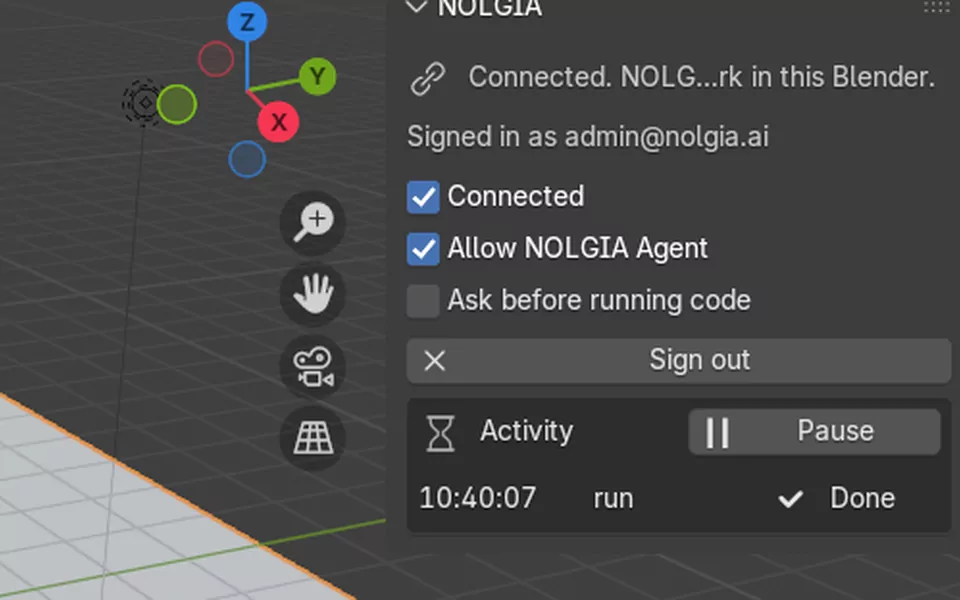
In the 3D Viewport, press N and open the NOLGIA tab in the side panel.
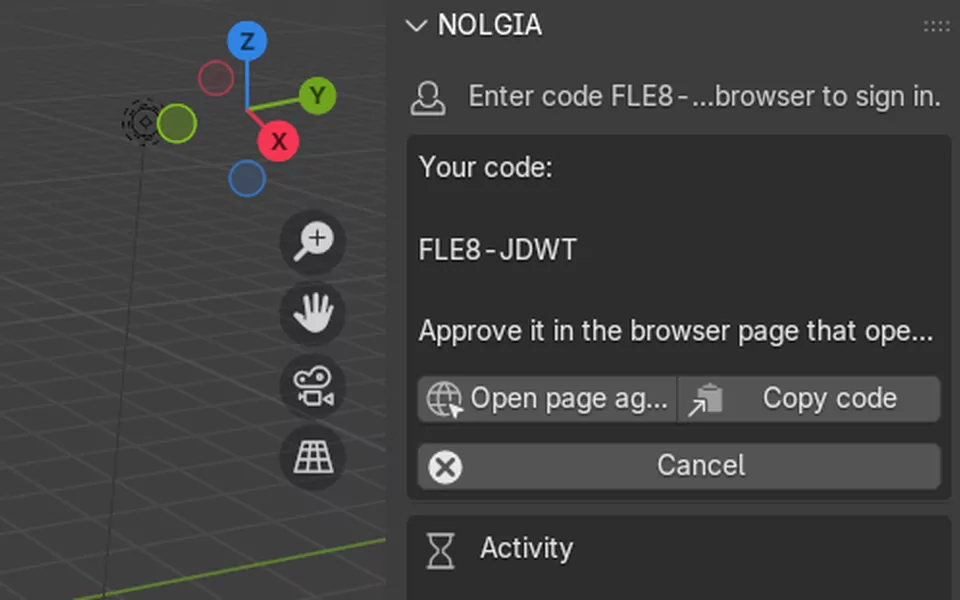
Sign in with the code
Click Sign in. Your browser opens a NOLGIA page: check that the code matches the one in Blender, then approve it.
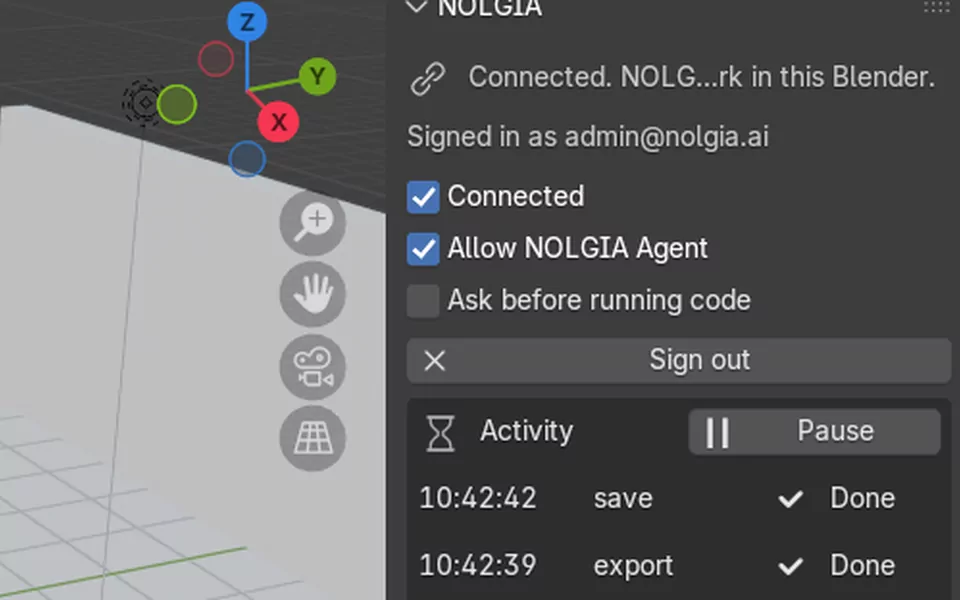
Keep Connected on
The tab reads “Connected. NOLGIA can work in this Blender.” Now ask your agent to work in your scene.
The NOLGIA tab
You decide what it may do.
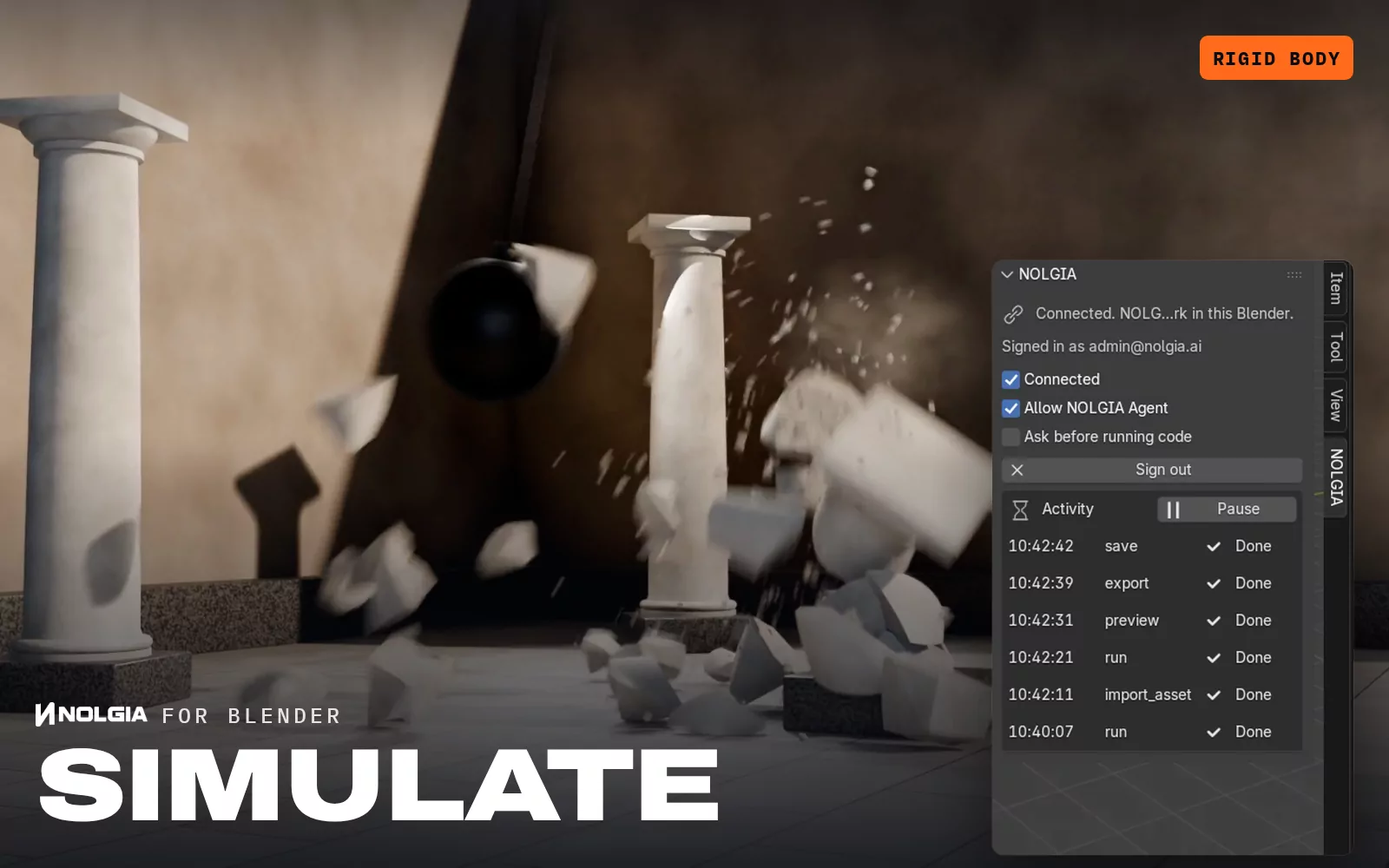
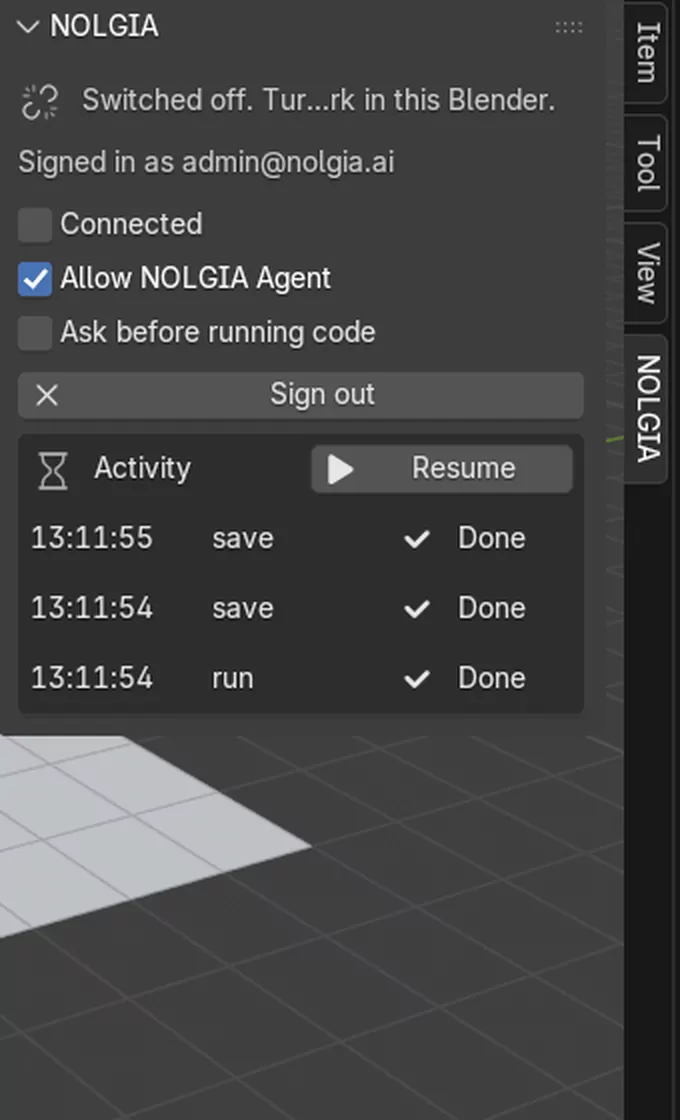
Everything lives in the NOLGIA tab of the 3D Viewport's side panel (press N), and in the extension's preferences.
- Connected
- NOLGIA can send commands to this Blender only while this is on.
- Activity and Pause
- Every command your agent sends, with its status. Pause stops it at any time; Resume picks up again.
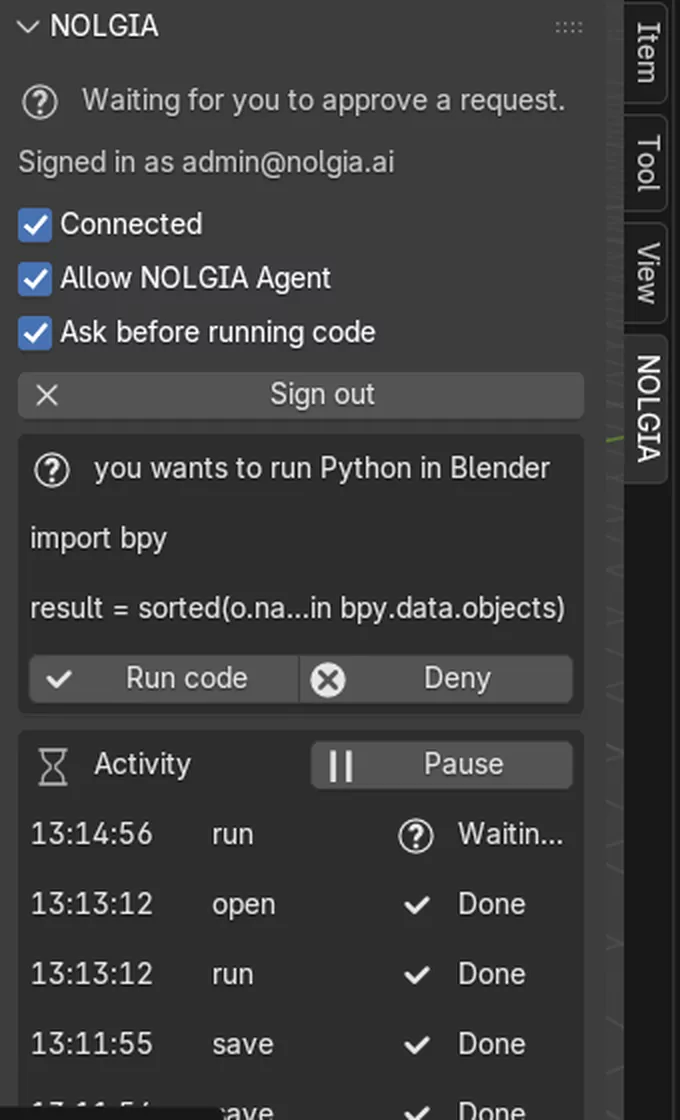
- Ask before running code
- Shows every piece of Python first and waits for Approve or Deny.
- Allow NOLGIA Agent
- Also lets your NOLGIA Agent in the cloud work here, not only the agents you run yourself.
- Sign out
- Disconnects and forgets the sign in on this computer.
Python your agent runs in Blender runs on your computer with your permissions, like any add-on or script. Turn on Ask before running code to see it first, and only connect agents you trust.
Film assistant presets
Workflows made for Blender.
Each preset is a written workflow your agent follows step by step in your own scene. The work in Blender is free; NOLGIA generation along the way is priced as usual.
The Blender presets are on their way. Your agent can already work in Blender with plain requests.
Troubleshooting
If something is not working.
- My agent says Blender is not connected.
- Open the NOLGIA tab (press N in the 3D Viewport). It should read “Connected. NOLGIA can work in this Blender.” If it says Switched off, turn Connected on. If it asks you to sign in again, click Sign in. Your agent has to use the same NOLGIA account as the plugin, and NOLGIA Agent can only reach Blender while Allow NOLGIA Agent is on.
- I cannot find Install from Disk, or the zip will not install.
- The plugin needs Blender 4.2 or later. There, open Preferences from the Edit menu and go to Get Extensions: Install from Disk is behind the small arrow at the top right. The About Blender window in the Help menu shows your version. Install the zip as it downloaded, without unpacking it. Safari unpacks it by itself into a nolgia-blender-0 folder: Control-click that folder, choose Compress and install the zip that makes.
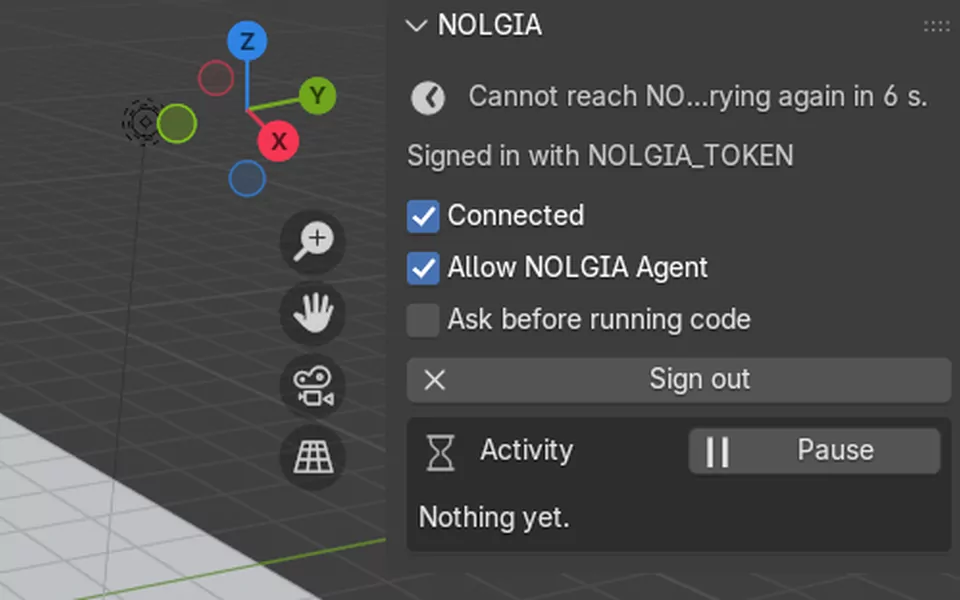
- The tab says it cannot reach NOLGIA.
- The plugin connects out to api.nolgia.ai over HTTPS, the same way your browser does, and keeps trying on its own. Nothing connects in to your computer, so no port needs opening. On a work or school network a firewall or proxy may block it: ask for api.nolgia.ai to be allowed.
- My agent is waiting and nothing happens.
- With Ask before running code on, the plugin waits for you: approve or deny the request in the NOLGIA tab. A paused plugin runs nothing until you click Resume.
Open source.
The NOLGIA plugin for Blender is free software under the GPL-3.0-or-later license. Read every line on GitHub.